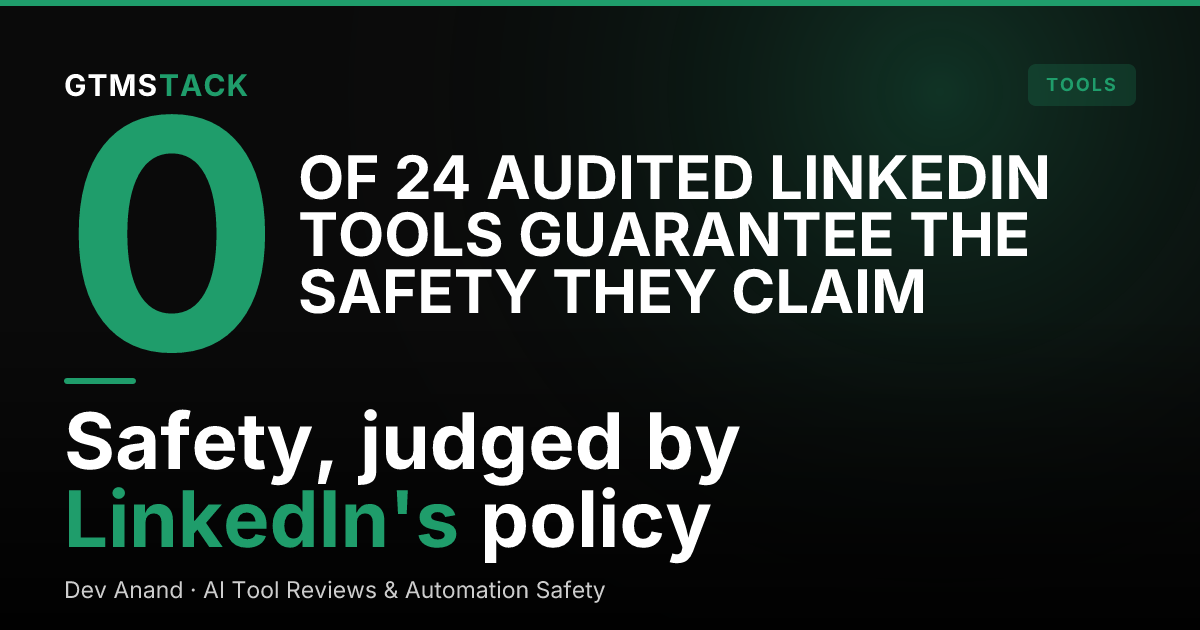
Safest LinkedIn Automation Tools: What the Policies Say
By Dev Anand, AI Tool Reviews & Automation Safety. Last updated: 2026-10-21
What does LinkedIn's own policy actually prohibit?
Start with the primary source, because almost no vendor page quotes it in full. LinkedIn's Help Center page on prohibited software and extensions states that LinkedIn does not permit "the use of any third party software, including 'crawlers', bots, browser plug-ins, or browser extensions that scrape, modify the appearance of, or automate activity on LinkedIn's website." It ties that ban to the User Agreement, including Section 8.2, which prohibits, among other things:
- Developing or using software, scripts, robots or other means to scrape or copy the Services, including profiles and other data.
- Using bots or other unauthorized automated methods to access the Services, add or download contacts, send or redirect messages, or drive engagement.
- Overlaying or otherwise modifying the Services or their appearance.
- Bypassing access controls or use limits of the Services.
The consequence is stated just as plainly: members who use tools for these purposes "risk having their accounts restricted or shut down," and prohibited tools may become non-operational without notice. LinkedIn's separate page on automated activity adds the enforcement flow: if an account is restricted for automated activity, the member is asked to disable the software, and the account is re-enabled at the time given in the suspension notice. Our verdict-oriented companion, is LinkedIn automation safe in 2026, covers what happens in practice; this post stays on what the rules say.
Why can't any vendor honestly guarantee account safety?
Because the guarantee would have to override someone else's policy. The prohibited software page bans categories of mechanism (scraping, browser automation, unauthorized automated access), and LinkedIn says it is "constantly working to improve our technical measures and defenses" against them. A vendor controls its own code. It does not control LinkedIn's detection, LinkedIn's enforcement discretion, or the next policy update.
We tested the market's language on this point directly. Our audit of LinkedIn tool safety claims read the pages and terms of 24 LinkedIn automation tools: seven call themselves the safest, three promise zero risk, and none of them guarantees the safety it claims in any enforceable way. Treat every absolute safety claim as a marketing sentence, including the ones made by tools we otherwise recommend, and weight instead the two things a vendor can actually control: connection architecture and operating behavior.
Want to put this into practice?
Reachium automates LinkedIn outreach, content publishing, and inbox management in one platform.
See Reachium →What separates lower-risk tools from high-risk ones?
Within a policy that prohibits the category, risk is a spectrum set by mechanism and behavior:
- Connection mechanism. Browser extensions and scrapers sit squarely in the prohibited list: they automate the website itself and copy data from it. Tools that operate through an API integration partner instead of driving the website are making a structurally different claim, and it is the first question to ask any vendor: what, exactly, touches LinkedIn?
- Behavioral footprint. Volume is the visible part. Accounts that send at human-calibrated rates, with variation and rest, present a different profile from accounts running flat-out sequences around the clock. LinkedIn enforces invitation and activity limits in-product, and enforcement notices name automated activity as the trigger. The invitation side of that enforcement has its own taxonomy: LinkedIn invitation restrictions breaks down the restriction types, their triggers and their fixes.
- Transparency. Vendors that publish their sending limits, their restriction handling and their terms language can be checked against the policy text. Vendors that publish only adjectives cannot.
- Kill switches. Pause controls, per-account caps and immediate stop on a LinkedIn warning are the difference between a warning and a shutdown.
Our ranked comparison of the field, best LinkedIn automation tools in 2026, scores tools on these operational criteria rather than on their safety adjectives.
How do you evaluate a tool before you connect your account?
Five questions, in order, before any account you care about touches a tool:
- How does it connect? If the answer involves a browser extension, a cookie or "it logs in as you," it is describing the prohibited mechanism. Ask what API or integration partner carries the activity.
- What do its own terms say about LinkedIn restrictions? Several tools disclaim all responsibility for account restrictions in their terms while promising safety on their homepage. The terms are the honest document.
- What limits does it enforce by default? Published daily caps, warm-up ramps and per-action spacing, enforced by the product rather than suggested in a blog post.
- What happens when LinkedIn warns you? The tool should detect restriction signals, pause activity automatically and tell you. Manual discovery means the next warning is a shutdown.
- Can you export your data and leave? A tool holding your network data hostage has aligned its retention against your safety. Clean export is a safety feature.
FAQ
What is the safest LinkedIn automation tool?
There is no policy-approved answer, because LinkedIn's prohibited software policy bans the browser-automation and scraping mechanisms most tools use, regardless of brand. The lowest-risk options are tools built on API integrations rather than website automation, with enforced volume limits and published restriction handling. Judge any specific tool against that standard, not its homepage claims.
Can LinkedIn ban you for using automation tools?
LinkedIn's own pages say members who use prohibited tools risk having their accounts restricted or shut down, and its automated activity page describes accounts being restricted until the software is disabled. Restrictions are the documented first consequence; shutdowns are the stated escalation.
What does User Agreement Section 8.2 prohibit?
Among other items: scraping or copying the Services with software, scripts or robots; using bots or unauthorized automated methods to access the Services, add contacts or send messages; overlaying or modifying the Services; and bypassing access controls or use limits. LinkedIn's prohibited software page quotes these as the basis for its tool ban.
Are API-based LinkedIn tools safe?
Safer in mechanism, not exempt in principle. An API integration does not scrape the website or automate its interface, which removes the specific techniques the policy names. Account behavior still matters: volume, relevance and response to LinkedIn's warnings decide outcomes in practice, and no vendor can guarantee them.
Want to put this into practice?
Reachium automates LinkedIn outreach, content publishing, and inbox management in one platform.
See Reachium →